

Gaming
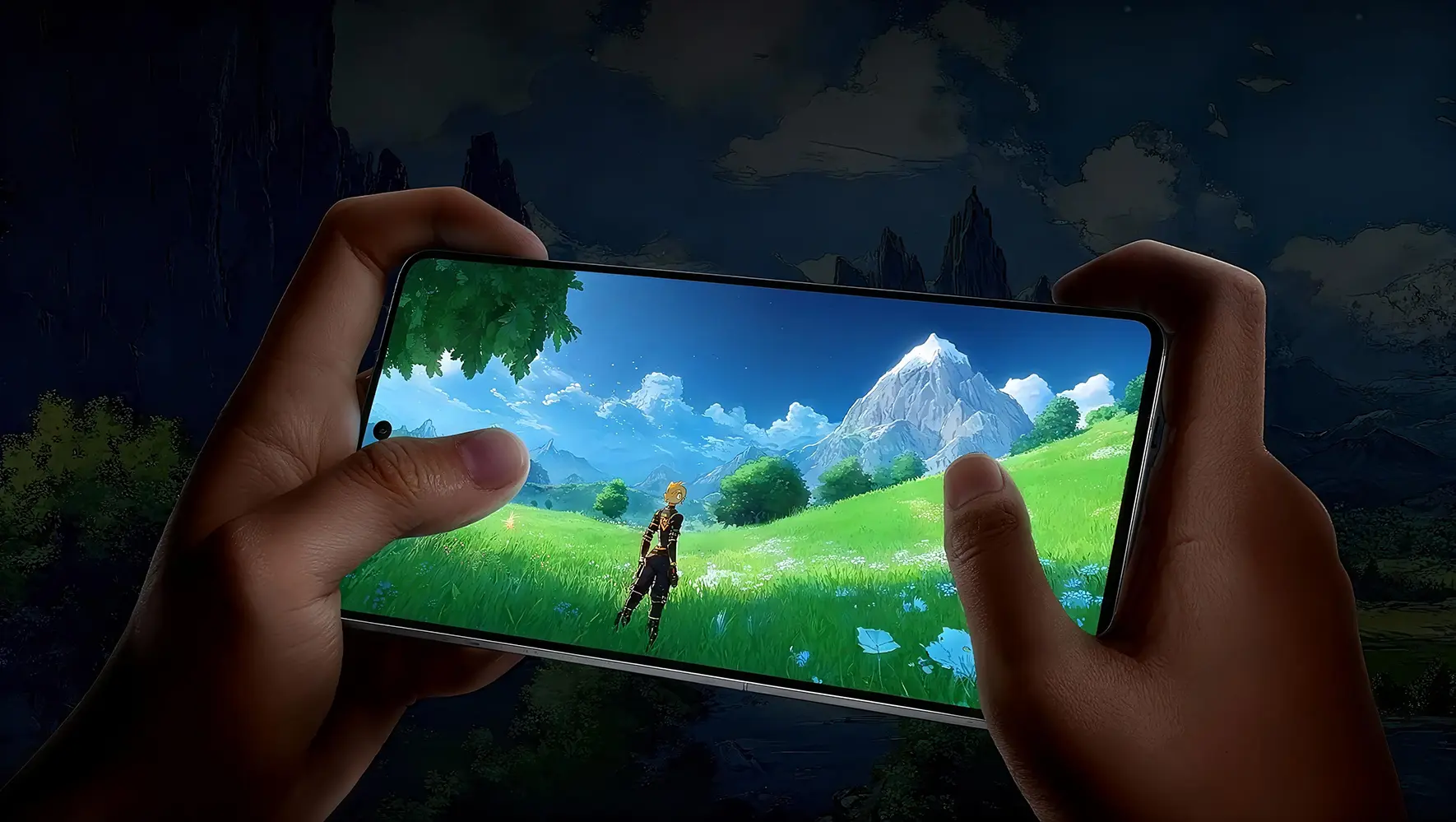
Turn on Game mode so only game traffic is forwarded. Pick the route closest to the game server, ideally under 80 ms.
Recommended settings
- Game mode on
- Nearest server
- Pause downloads
Different tasks need different routes. Here are recommended modes and settings for four common needs.
Turn on Game mode so only game traffic is forwarded. Pick the route closest to the game server, ideally under 80 ms.

Use General mode with smart routing for steadier calls and cloud sync. Keep one route fixed during meetings.

Choose the exit region of each store's market. Keeping the same exit reduces unusual sign-in checks.
Choose a streaming route for HD video. If it buffers, move to a less busy server in the same region.