
QuickQ
Smoother connections, easy switching
One account for your computer and phone. Routes are grouped by purpose, so you pick one and connect.
Download NowServers placed near major network hubs
Access points cover Asia, North America, Europe and more. The app shows live latency for each route so you can choose by distance and load.

Less buffering for video and news
Streaming routes reserve bandwidth for high-bitrate video, and you can switch servers without restarting the app.
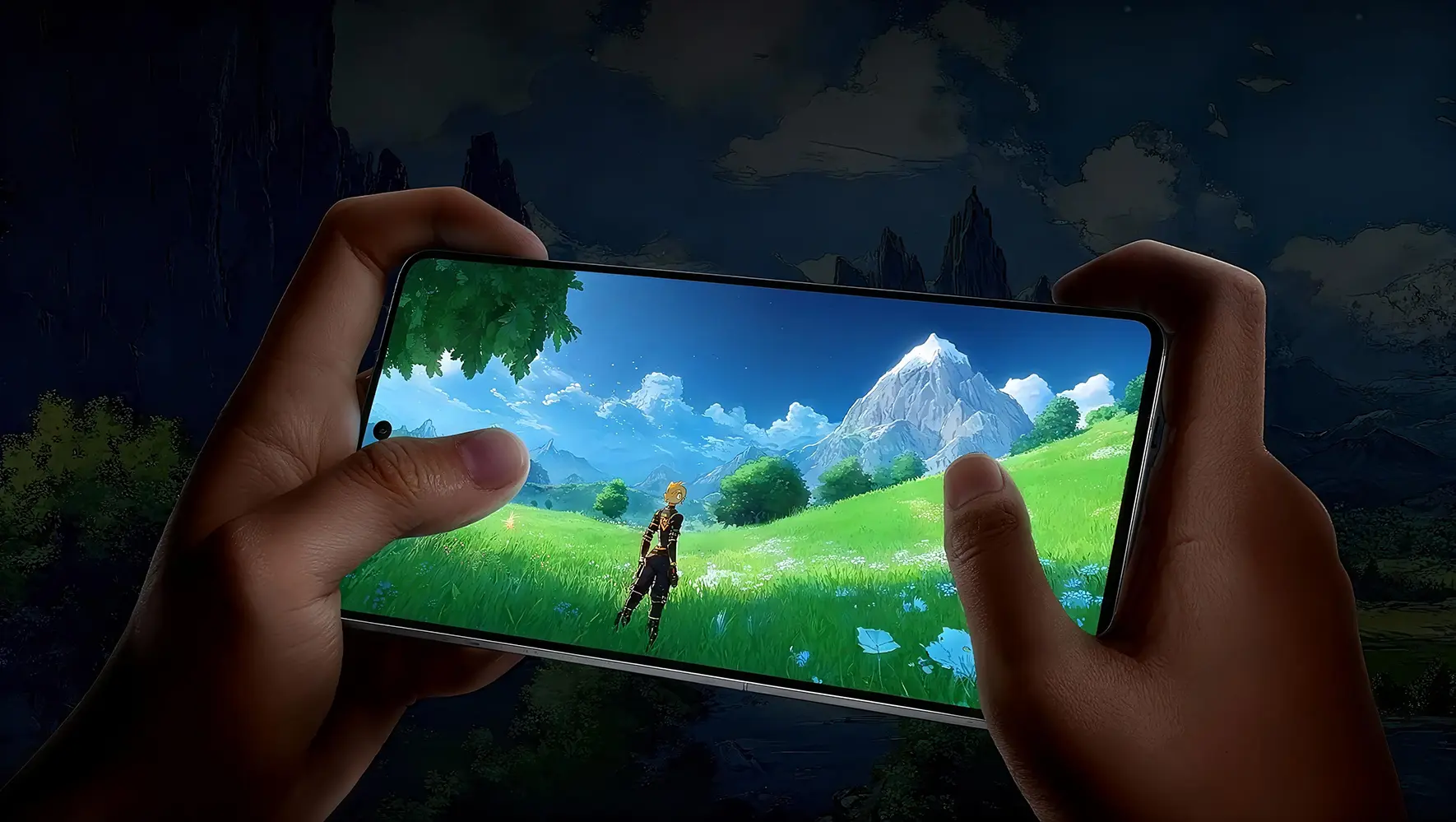
Streaming Setup →For gaming, latency comes first
Game mode forwards only game traffic while everything else stays on your local network, cutting needless detours.


Online stores need the right region
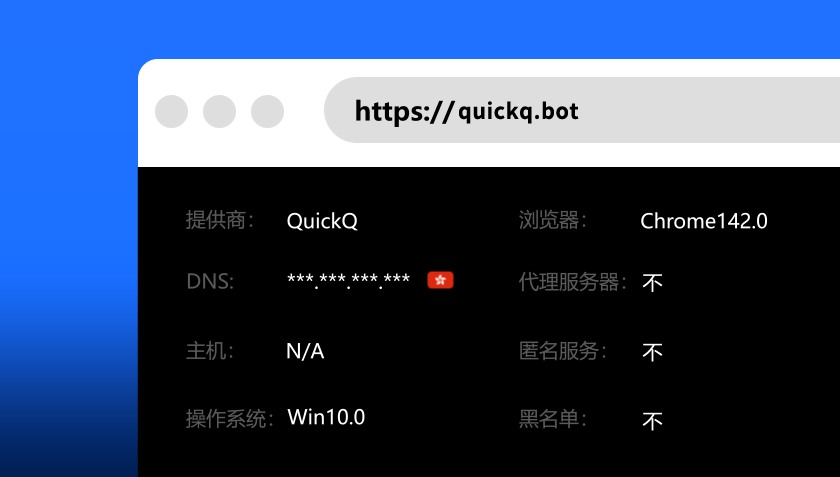
Pick an exit region that matches each store's market. A fixed route keeps dashboards signed in and reduces extra verification prompts.
Why people choose QuickQ

Smart routing
Suggests routes by latency and load

Human support
Tickets and live messages

No browsing logs
Visited content is not recorded

Encrypted traffic
Every connection is encrypted

Dedicated exits
Less noise from shared addresses
Payment methods
The official checkout accepts these common options. Available methods may vary at checkout.


FAQ
Which systems does QuickQ support?
Windows, macOS, iOS, Android and Linux. Version requirements are listed on the Devices page.
How many devices can one account use?
It depends on the subscription period. Compare the limits on the Pricing page.
Where do the installers come from?
Download buttons on this site open the official page, which provides the installers. Avoid unknown sources.
What if the connection is slow?
Switch to a lower-latency route in the app, then check your local network. Contact official support if it continues.